Introduction
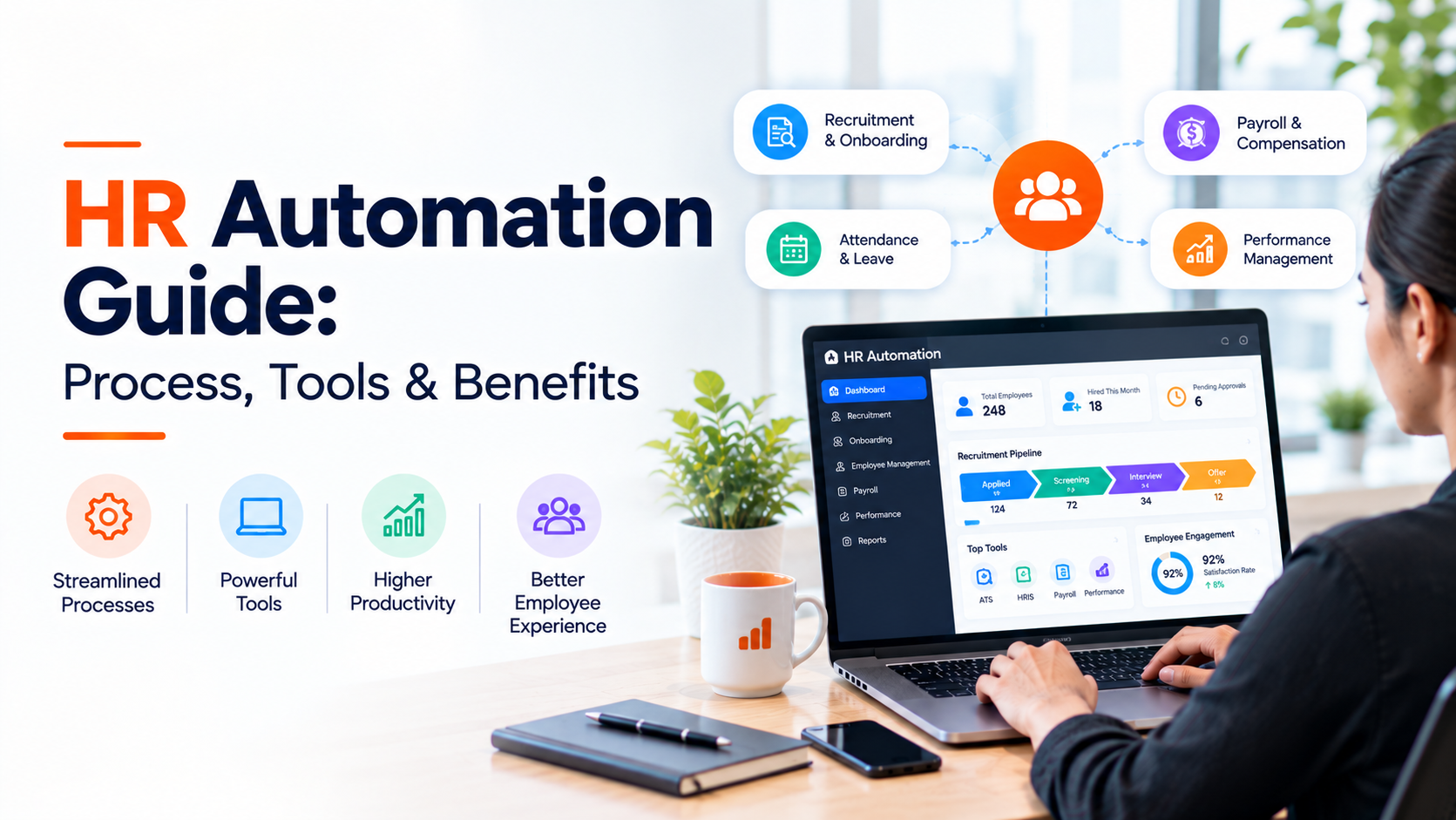
HR automation is the use of software and rule-based workflows to carry out repetitive human resources tasks such as onboarding paperwork, payroll processing, leave approvals, candidate screening and compliance tracking, without an HR professional completing each step by hand. For HR teams stretched across recruiting, employee experience, compliance and strategy, automation is less about replacing people and more about removing the administrative weight that keeps HR reactive instead of strategic.
This guide covers what HR automation actually does, where it creates the most value, what it cannot do, and how to evaluate HR automation software and HR automation tools before you commit budget to them. It also looks at hr recruitment automation specifically, since recruiting remains the function where automation and AI are being adopted fastest.
What Is HR Automation?
Definition
HR automation refers to the use of software, rule-based workflows and, increasingly, AI to execute human resources tasks that would otherwise require manual effort, including candidate sourcing, resume screening, interview scheduling, onboarding documentation, payroll runs, benefits enrollment, time-off approvals, performance review reminders and compliance reporting.
It helps to separate two related but different ideas that often get blurred under the same label.
- Automation executes a predictable, rule-based task the same way every time: send an offer letter when a candidate accepts, trigger a payroll run on the 28th of the month, remind a manager when a performance review is overdue.
- AI in HR adds a judgment or prediction layer on top of that execution: ranking candidates by fit, flagging attrition risk, or generating a first-draft job description.
Most modern HR automation software combines both. The rule-based layer handles execution and consistency. The AI layer handles evaluation and prioritization. Understanding which layer is doing the work in a given tool matters when you are comparing HR automation solutions, because a workflow tool and a predictive tool solve different problems.
HR automation is not limited to one system. It typically spans an HRIS or HCM platform, an applicant tracking system (ATS), payroll software, benefits administration tools, and increasingly a recruitment automation or AI hiring layer that connects sourcing, screening and interview coordination.
Why HR Automation Matters Now
HR teams are being asked to manage more hiring, more compliance complexity and more employee-experience expectations without proportional headcount growth. Automation has moved from a nice-to-have efficiency project to a structural response to that gap.
SHRM’s 2026 workforce planning research, drawn from data on more than 20,000 U.S. workers, found that 15.1% of U.S. jobs (roughly 23.2 million roles) already have at least half of their tasks automated, and that 90% of CHROs expected AI integration to accelerate in the following year.
SHRM’s follow-up 2026 State of AI in HR survey of 1,722 HR professionals, fielded in December 2025, found a wide gap between executive expectations and front-line adoption: 92% of CHROs anticipate more AI integration, yet 54% of organizations have not adopted AI in any HR function and have no immediate plans to. Where AI is in use, recruiting is the leading application at 27% of organizations, ahead of HR technology management (21%), learning and development (17%) and employee experience (14%).
Two conclusions follow from that data. First, most companies are still early, so there is meaningful room to gain an efficiency and candidate-experience advantage by automating well now. Second, recruiting is where automation is already proven out fastest, which is why hr recruitment automation tends to deliver the clearest early return for HR and talent acquisition teams.
Separately, McKinsey Global Institute’s automation research has estimated that roughly 30% of the activities across most occupations could technically be automated using currently available technology, a figure often cited as a ceiling on how much of any job, HR included, is realistically suited to automation rather than human judgment.
How HR Automation Works
Most HR automation runs on a simple pattern: a trigger event happens, a workflow engine checks defined rules, and a predetermined action executes without manual intervention.
- Trigger: an event occurs, such as a candidate accepting an offer, an employee’s work anniversary, or a submitted expense report.
- Rule check: the system evaluates the event against configured logic, for example “if department = Sales and location = UK, assign this onboarding checklist.”
- Action: the system executes the defined step, such as generating a contract, provisioning a system account, or notifying a manager.
- Data capture: the outcome is logged, feeding reporting and, where AI is layered in, future predictions.
On top of this rules layer, AI-driven HR tools add pattern recognition and prediction, such as ranking resumes against a role’s requirements, estimating flight risk from engagement data, or surfacing the most relevant candidates from a sourcing pool. The rules layer keeps execution consistent; the AI layer helps prioritize where human attention goes.
Core Areas Where Companies Automate HR
HR process automation touches almost every stage of the employee lifecycle. The table below outlines where it is most commonly applied and what typically triggers each workflow.
| HR Area | What Gets Automated | Typical Trigger |
| Recruitment & sourcing | Job posting distribution, candidate outreach, talent pool matching | Requisition approved |
| Candidate screening | Resume parsing, qualification checks, initial ranking | Application submitted |
| Interview scheduling | Calendar coordination, reminders, rescheduling | Candidate advances a stage |
| Onboarding | Document collection, account provisioning, welcome sequences | Offer accepted |
| Payroll & compensation | Pay runs, tax calculations, payslip generation | Pay cycle date |
| Benefits administration | Enrollment windows, eligibility checks, confirmations | New hire or life event |
| Time & attendance | Leave requests, approvals, accrual tracking | Request submitted |
| Performance management | Review reminders, goal tracking, feedback cycles | Review period opens |
| Compliance & reporting | Policy acknowledgments, audit trails, deadline tracking | Regulatory or policy date |
| Offboarding | Access revocation, exit surveys, final documentation | Termination or resignation date |
HR Process Automation vs Manual HR: A Practical Comparison
Neither approach is universally better. Manual HR retains flexibility and judgment that automation cannot fully replicate, particularly for sensitive or unusual situations. Automation wins decisively on consistency and speed at volume.
| Dimension | Manual HR | Automated HR |
| Consistency | Varies by person and workload | Same rules applied every time |
| Speed at volume | Degrades as request volume rises | Scales with configuration, not headcount |
| Error rate on repetitive tasks | Higher under time pressure | Lower, but errors can replicate at scale if rules are wrong |
| Audit trail | Inconsistent, dependent on manual logging | Built in, timestamped by default |
| Handling of exceptions and edge cases | Strong, human judgment applies context | Weak unless explicitly designed for exceptions |
| HR team’s time allocation | Heavily administrative | Shifts toward strategic and people-facing work |
Benefits of HR Automation
Time capacity back to HR and recruiting teams
The most consistent benefit reported across HR technology research is time. Every hour spent manually processing paperwork, chasing signatures or re-entering candidate data into a spreadsheet is an hour not spent on hiring decisions, employee relations or workforce planning. Automation does not eliminate HR work; it reallocates it toward the parts of the job that need human judgment.
Faster hiring and onboarding cycles
Automated screening, scheduling and document collection remove the coordination delays that typically stretch out time-to-hire and time-to-productivity, particularly in high-volume or multi-location hiring where manual coordination compounds quickly.
More consistent compliance
Rule-based workflows apply the same policy, the same documentation requirement and the same audit trail to every case, which reduces the risk of a step being missed because someone was busy or new to the role.
Better data for decisions
Automated systems capture structured data by default, which makes reporting on time-to-fill, source effectiveness, onboarding completion and attrition patterns far more reliable than data reconstructed from emails and spreadsheets after the fact.
Scalability for high-volume and multi-location hiring
For enterprises and staffing-heavy organizations, automation is often the only realistic way to maintain screening and onboarding quality when application or hiring volume grows faster than the HR team does.
Risks, Limitations and What Automation Cannot Do
A credible HR automation strategy is honest about what can go wrong. SHRM’s 2026 research on AI in HR flags several recurring risk areas worth planning for before rollout, not after:
- Bias in AI-assisted decisions. Screening or ranking models that are not validated against real hiring outcomes can encode and scale existing bias rather than remove it.
- Weak or outdated governance. Many organizations adopt AI-enabled tools faster than they update policy on how those tools may be used in hiring or performance decisions.
- Over-reliance on unvalidated tools. Automation applied to a process that has never been audited simply automates whatever errors already existed in that process.
- Readiness gaps. SHRM’s 2026 survey found 80% of HR professionals describe their own AI understanding as beginner or intermediate, and 74% said their organization lacks the capabilities needed for AI adoption, which points to a training and change-management gap as much as a technology one.
- Judgment-heavy decisions resist automation. Terminations, accommodation requests, harassment investigations and other sensitive matters need human judgment and should not be fully automated even where a workflow tool could technically handle the paperwork around them.
The practical implication: automate execution, not judgment. A workflow can trigger a reminder to start an accommodation conversation; it should not decide the outcome of that conversation.
HR Automation Software and Tools: Categories to Know
HR automation solutions are not one product category. Most organizations run several of the following together, connected through integrations rather than relying on a single system to do everything.
| Category | Core Automation Function | Common Use Case |
| HRIS / HCM platform | Employee records, org data, policy workflows | System of record for the workforce |
| Applicant tracking system (ATS) | Requisition management, application tracking | Managing candidates through hiring stages |
| Recruitment automation / AI hiring platform | Sourcing, screening, matching, interview coordination | Reducing manual recruiter workload |
| Payroll automation | Pay calculation, tax filing, payslip distribution | Accurate, on-time pay runs |
| Benefits administration platform | Enrollment, eligibility, carrier data feeds | Managing open enrollment and life events |
| Workflow / RPA tools for HR ops | Cross-system task automation and data sync | Connecting HRIS, payroll and ATS without manual re-entry |
| Learning management system (LMS) | Course assignment, compliance training tracking | Automated training and certification reminders |
HR Recruitment Automation: Where AI Adds the Most Leverage
Recruiting is where HR automation and AI have moved fastest, and SHRM’s 2026 data confirms it: recruiting is the single most common function for AI use in HR, ahead of HR technology management, learning and development, and employee experience. That is consistent with what recruiters experience directly, since sourcing, screening and interview coordination are among the most repetitive, time-intensive parts of the hiring process.
In practice, hr recruitment automation typically covers candidate sourcing from job boards and talent networks, resume and profile screening against role requirements, candidate ranking and matching, interview scheduling, and structured AI-assisted interviews that standardize how candidates are evaluated at the top of the funnel.
Platforms such as Excruit bring AI-powered sourcing, candidate evaluation, interview scheduling and recruitment workflows into a connected hiring platform, rather than requiring recruiters to move candidate data manually between a job board, a spreadsheet, an applicant tracking system and an email inbox. Excruit’s recruitment automation and AI talent intelligence capabilities are built around integrations with major sourcing channels, including Naukri, Foundit, Indeed, LinkedIn and SEEK, so that sourcing, screening and hiring analytics sit inside one workflow instead of several disconnected tools.
This kind of connected recruitment approach matters most for organizations running high-volume or multi-location hiring, where the coordination overhead of juggling separate sourcing, screening and scheduling tools grows faster than a recruiting team can absorb manually.
How to Automate HR Processes: A Practical Framework
Automating the wrong process, or automating the right process badly, tends to produce more rework than it saves. This five-step framework is a starting sequence for prioritizing what to automate and in what order.
- Map the process before automating it. Document every step of the current process, including who does it, how long it takes and where it breaks down. Automating an undocumented, inconsistent process just makes the inconsistency faster.
- Separate rule-based tasks from judgment-based tasks. List each step and mark it as “rule-based” (same input always produces the same correct output) or “judgment-based” (requires context or discretion). Automate the first category; support, but do not replace, the second.
- Choose systems that integrate, not systems that isolate. A tool that does not connect to your HRIS, ATS or payroll system creates a new manual step: moving data between systems. Integration capability should be a non-negotiable evaluation criterion, not an afterthought.
- Pilot on one high-volume process first. Start with the process that has the highest volume and the most standardized steps, commonly onboarding documentation or resume screening, rather than trying to automate everything at once.
- Measure before and after, not just satisfaction. Track hard metrics, time-to-hire, time-to-productivity, error rate, cost per transaction, before rollout and after, so the impact of automation is demonstrable rather than assumed.
Evaluation Checklist: What to Ask HR Automation Vendors
Before selecting HR automation software, get direct answers to these questions from any vendor under consideration.
- How does the system integrate with our existing HRIS, ATS and payroll platforms, and what happens to data that falls outside a defined rule?
- If the tool includes AI-based screening, matching or ranking, how was the model validated, and can we audit its outputs for bias?
- What does implementation actually require from our team, in hours and in specialized skills, not just in calendar weeks?
- What is the support model after go-live, and who owns fixing a broken workflow six months in?
- How is pricing structured: per employee, per hire, per workflow, or a flat platform fee, and how does it scale as headcount or hiring volume grows?
- What reporting and analytics come standard, and can we export the underlying data rather than only viewing it inside the vendor’s dashboard?
- How does the system perform at our actual volume, not the vendor’s reference customer’s volume?
- What is the realistic impact on candidate or employee experience, positive and negative, based on other customers in our industry?
HR Automation Trends to Watch in 2026
- AI layered onto automation, not replacing it. The rule-based execution layer is becoming the foundation that AI prediction and ranking sit on top of, rather than AI and automation being separate tools.
- A wide, closing adoption gap. SHRM’s 2026 data shows 54% of organizations still have no AI in HR while 92% of CHROs expect more of it, which points to a near-term wave of adoption among the majority who have not started yet.
- Recruiting stays the lead use case. At 27% adoption, recruiting remains well ahead of other HR functions for AI use, with HR technology management, learning and development, and employee experience following.
- Governance catching up to adoption. As AI-assisted hiring and screening spread, scrutiny of validation, bias auditing and policy documentation is increasing alongside it.
- Consolidation toward connected platforms. Organizations that started with point solutions for sourcing, screening and scheduling are increasingly looking for connected recruitment and HR platforms that reduce the number of systems recruiters and HR staff have to reconcile manually.
How This Plays Out in Practice
The following scenarios are hypothetical illustrations, not case studies of real organizations or documented results.
Scenario: a startup hiring its first 20 employees. A small team with no dedicated recruiter is fielding applications through a generic inbox. Automating resume acknowledgment, interview scheduling and offer-letter generation removes the parts of hiring that consume founder time without requiring a full-time HR hire yet.
Scenario: an enterprise running high-volume hiring across regions. A company hiring several hundred roles a quarter across multiple countries is losing candidates to slow, inconsistent screening and scheduling. Connecting sourcing, screening and interview coordination into one recruitment automation workflow reduces the coordination overhead that scales faster than the recruiting team can absorb manually.
Conclusion
HR automation is not a single tool or a single decision. It is a set of choices about which repetitive tasks a system should execute consistently, and which decisions should stay with a person. Organizations that treat it that way, mapping processes first, separating rules from judgment, and measuring outcomes rather than assuming them, tend to get the time, consistency and candidate-experience gains that make automation worth the implementation effort.
For hiring specifically, where recruiting already leads all other HR functions in AI adoption, connecting sourcing, screening, interviews and hiring analytics into one workflow is often the fastest place to start. Excruit brings that kind of connected recruitment automation, AI-powered candidate evaluation and hiring intelligence into a single platform for teams that want to evaluate what a more automated hiring workflow could look like for their own recruiting volume.
Key Takeaways
- HR automation uses rule-based workflows, often combined with AI, to execute repetitive HR tasks consistently, without replacing human judgment on sensitive decisions.
- SHRM’s 2026 research found 92% of CHROs expect more AI integration, yet 54% of organizations have not adopted AI in any HR function, which points to significant room for organizations that move now.
- Recruiting is the leading use case for AI in HR at 27% of organizations, ahead of HR technology management, learning and development, and employee experience.
- The strongest results come from automating rule-based execution (sourcing, screening, scheduling, payroll, document collection), not judgment-based decisions.
- Start with one high-volume process, measure hard metrics before and after, and prioritize integration between systems over isolated point tools.
- hr recruitment automation, covering sourcing, screening, matching and interview scheduling, tends to deliver the clearest and fastest return among HR automation use cases.

Frequently Asked Questions About HR Automation
Get answers about HR automation, including automated HR processes, tools, benefits, use cases, implementation costs, and how businesses can streamline HR operations in 2026.
HR automation is the use of software and rule-based workflows, often combined with AI, to carry out repetitive human resources tasks such as candidate screening, onboarding documentation, payroll processing and compliance tracking without manual step-by-step effort. It covers hiring, employee lifecycle management, payroll and compliance rather than any single system.
An HRIS (human resources information system) is the system of record that stores employee data. HR automation is the layer of workflows, rules and, often, AI that acts on that data, such as triggering onboarding tasks or flagging a compliance deadline. An HRIS can include automation features, but the terms are not interchangeable.
No. Automation executes a predictable, rule-based task the same way every time. AI adds a prediction or judgment layer, such as ranking candidates or estimating attrition risk. Most modern HR automation software combines both, but a purely rule-based workflow tool is not the same thing as an AI system.