Introduction
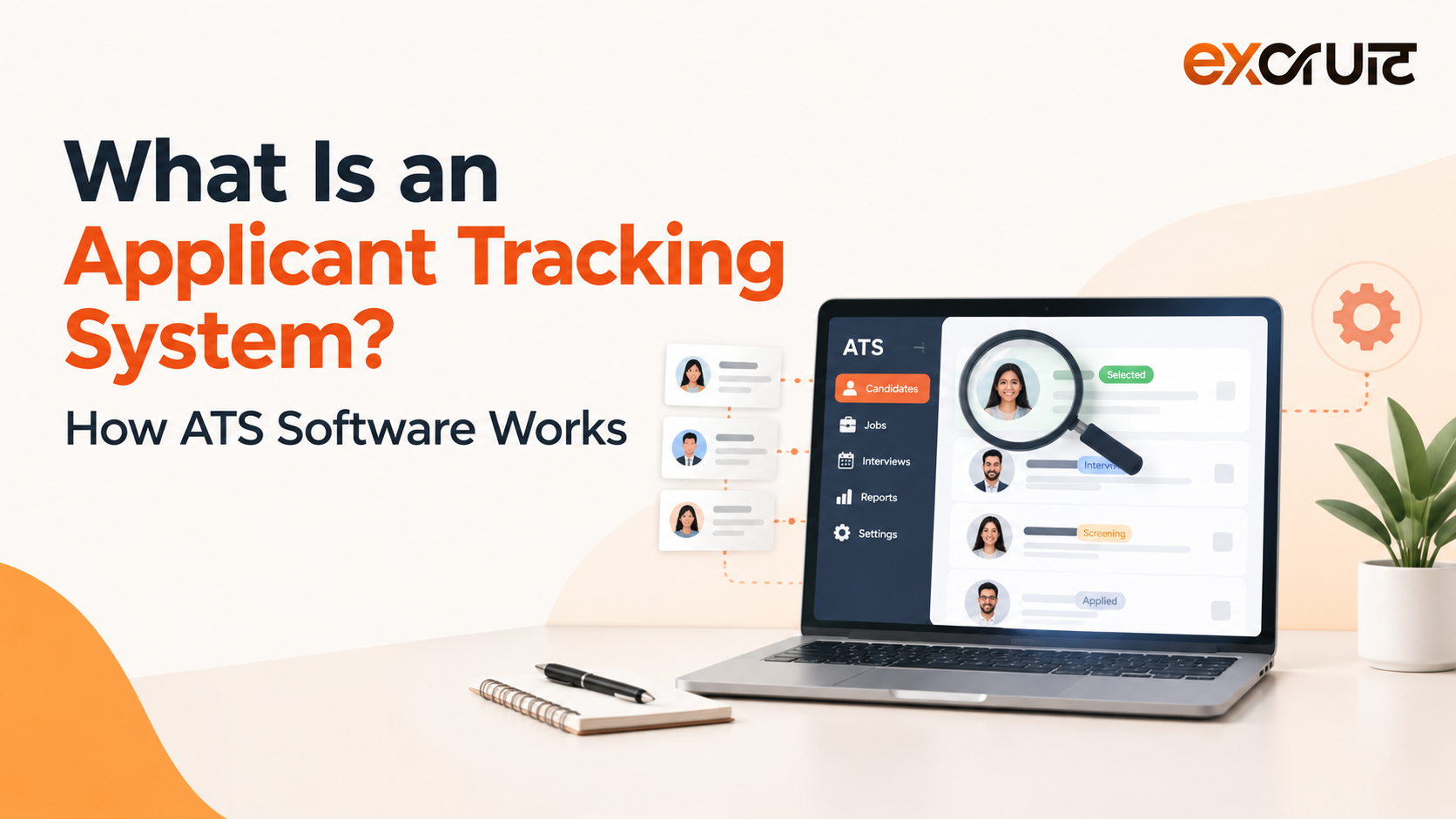
An Applicant Tracking System (ATS) is software that helps organizations manage job openings, applications and candidate information in one place, and coordinate recruitment from job posting through hiring. It turns resumes into structured candidate profiles, moves candidates through defined hiring stages, supports screening, interviews and team feedback, and reports on how hiring is performing. An ATS organizes and speeds up the work. Recruiters and hiring managers still make the decisions.
That last point matters more than it sounds. Many people picture an ATS as a digital filing cabinet, or as a robot that deletes resumes. Modern ATS software is better understood as a recruitment workflow system: the shared record where a company’s hiring activity lives. Jobscan’s 2026 usage report detected an ATS at 97.4% of Fortune 500 companies, with Workday still the most widely used among them. Detection is based on public career sites, so treat the figure as a strong indicator rather than a census.
This guide covers what an ATS does, how it works stage by stage, how it handles resumes, where AI fits in 2026, where it falls short, and how to choose one.
What does ATS stand for, and what does an ATS actually do?
ATS stands for Applicant Tracking System. In plain English, it is a shared, structured record of everyone who applies to your company and where each person stands in the hiring process.
Without one, applications land in inboxes, job board dashboards and spreadsheets. Nobody has a single view of the pipeline. A strong candidate gets forgotten, two recruiters email the same person, and a hiring manager’s simple status question takes an afternoon to answer.
An ATS does four jobs:
- Collects applications from career pages, job boards and other channels
- Stores candidate data as searchable, structured profiles
- Moves each candidate through stages such as screening, interview and offer
- Records activity, feedback and outcomes so the team can report on them
“Applicant tracking software” and “candidate tracking software” describe the same category, and buyers use the terms almost interchangeably.
If your team still coordinates hiring across inboxes and spreadsheets, it helps to see what a connected workflow looks like. Excruit, an AI hiring platform, shows one approach at excruit.com.
How an Applicant Tracking System works, step by step
Workflows vary by platform and by company. Depending on the ATS, some steps are automated, some are optional, and some happen in connected tools. A typical flow looks like this:
- Requisition. A recruiter or hiring manager opens a job requisition, often with approvals, defining the role, headcount and requirements.
- Job description and posting. The role is written and published to the career site. Many systems also push it to job boards from one place.
- Application. Candidates apply through the career page or a job board, sometimes answering screening questions.
- Resume processing. The ATS captures the resume and form data. Where it supports parsing, it extracts contact details, work history and skills into a structured profile.
- Screening. Rules, filters, screening answers and, on some platforms, AI-assisted matching help organize applicants for review.
- Review and shortlisting. Recruiters search, filter and review, then move candidates to the next stage.
- Interviews. Scheduling, reminders, interview kits and scorecards run in or alongside the ATS.
- Feedback and decision. Interviewers submit structured feedback, and the hiring team compares candidates.
- Offer and handoff. Offers are prepared and tracked. Where integrations exist, hire data passes to HR or onboarding systems.
Here is a hypothetical example. A recruiter opens a software engineer role and receives 600 applications in two weeks. Without an ATS, that is 600 emails to sort by hand. With one, every application sits in a single pipeline. Parsed profiles allow filtering by required skills, and screening questions separate applicants who lack a must-have such as work authorization. The recruiter reviews a narrowed list instead of the raw pile. Scheduling and scorecards keep interviewer feedback in one place, and reports show which job board produced the finalists. The ATS handled the organizing. The recruiter still judged who deserved an interview.
How an ATS handles resumes, and whether it rejects them
This is where most of the confusion lives, so precision helps.
When a resume arrives, most modern systems attempt resume parsing. Software reads the file and maps its contents into fields such as name, employers, titles, dates, education and skills. The result is a structured candidate profile that can be searched and filtered. Parsing quality varies by platform. Conventionally formatted resumes generally parse more reliably than heavily designed ones with columns, tables or text embedded in images.
From there, depending on setup, an ATS may support:
- Keyword and skill search, where recruiters look for terms and titles across the candidate database
- Filters such as location, experience level or certification
- Screening or knockout questions, such as work authorization, that flag or route applicants based on their answers
- Ranking or matching scores, offered by platforms that use scoring models or AI to order candidates by fit
- Recruiter review, where a person actually evaluates the candidate
Does an ATS automatically reject resumes? Not by default, and not identically everywhere. Many systems mainly organize and surface applicants for a recruiter to assess. Some employers configure knockout questions or hard filters that disqualify applicants automatically. Others use ranking that changes who gets seen first. Outcomes depend on configuration and recruiter behavior more than on the software brand.
Two distinctions are worth keeping. Filtering applies rules a human defined, such as “must have the right to work in the UK.” AI-assisted matching uses models to estimate fit, which raises different questions about transparency and bias. Neither is a hiring decision.
If you are a candidate wondering how to prepare an applicant tracking system resume: use standard section headings, plain formatting, and the skills the role genuinely requires, phrased the way the job description phrases them. That helps parsers and human readers alike.
The core features of ATS software
Not every feature matters equally to every team. Grouped by the job they do:
Receiving applicants. Requisition management, multichannel job posting and a career site bring candidates in. Their value is consistency: one job record, many channels, one place to see responses.
Organizing and screening. A candidate database, resume parsing, search, screening questions and pipeline stages turn a pile of applications into a working list. Searchability also lets teams revisit past applicants when a similar role opens.
Interviewing and collaborating. Scheduling tools, scorecards, shared notes and permissions keep recruiters, interviewers and hiring managers on the same record and make comparisons more structured.
Communicating. Templates, automated notifications and status updates reduce the silence that frustrates candidates.
Measuring and connecting. Funnel reporting, source tracking and time-in-stage data show where hiring slows down. Integrations with job boards, calendars, assessments and HR systems prevent retyping.
Building relationships. Talent pools and recruitment CRM features keep past and prospective candidates warm for future roles.
Many teams reach a point where basic tracking is not enough. They want screening, interviews and analytics working together rather than living in separate tools. That is the gap platforms like Excruit target. Excruit’s recruitment management module groups an ATS, recruitment CRM, career portal, workflow automation and recruiter collaboration in one workspace, and it lists integrations with Indeed, LinkedIn, Naukri, Foundit and SEEK. If you are modernizing your workflow, you can book an Excruit demo to see how those pieces connect.
Benefits of an Applicant Tracking System
The practical gains are operational rather than magical:
- Less manual administration. Fewer copied resumes, fewer status chases.
- One source of truth. Candidate history survives recruiter turnover and lives beyond a single vacancy.
- More consistent process. Shared stages and scorecards support fairer comparison between candidates.
- Visibility. Hiring managers can see pipeline status without asking.
- Better candidate communication. Updates go out on time rather than when someone remembers.
- Reporting. Teams can see which sources and stages actually work.
- Scalability. More roles and more recruiters without more chaos.
None of these are guaranteed. Results depend on configuration and adoption, and any vendor speed-up figure should be treated as a vendor claim until you understand how it was measured.
Limitations and risks
An ATS is only as good as the process it encodes. Common failure points include:
- Poor configuration. An overly strict knockout question can quietly screen out strong candidates.
- Inflated job descriptions. Filters and matching inherit whatever the job description demands, including unnecessary requirements.
- Overreliance on keywords. A “programme manager” may be missed by a search for “project lead.”
- Over-automation. Candidates who feel processed rather than considered tend to disengage.
- Weak candidate experience. Long forms, forced account creation and silence all cost applicants.
- Implementation and adoption. Recruiters who keep side spreadsheets undermine the system of record.
- Weak integrations. Manual re-entry reintroduces the errors the ATS was meant to remove.
- Data and privacy duties. Candidate data is personal data, so retention, access and regional rules such as GDPR apply.
- Automation bias. Treating a score or ranking as the answer instead of an input.
ATS vs recruiting software vs recruitment CRM
These categories overlap, and vendors label them inconsistently. A general comparison:
| ATS | Recruiting software (broad term) | Recruitment CRM | |
| Main focus | Managing applications and hiring workflow once candidates apply | Umbrella term that may cover sourcing, ATS, interviewing, onboarding and analytics | Building and nurturing relationships with prospects before and beyond a specific vacancy |
| Starting point | A job opening and its applicants | A range of hiring needs | A talent pool or prospect list |
| Typical strengths | Pipeline stages, structured records, collaboration | Breadth across the hiring lifecycle | Outreach, talent pools, engagement, rediscovery |
| Overlap | Many modern platforms include CRM features | Often includes an ATS | Often integrated with, or built into, an ATS |
The practical relationship runs like this: an ATS manages the application-to-hire workflow, a recruitment CRM feeds it by engaging prospects, and together they support a healthier talent pipeline.
AI in ATS software in 2026
Traditional ATS automation is rule-based. If a candidate reaches the interview stage, send this email. If a knockout answer is “no,” flag the application. It does exactly what someone configured.
AI-assisted ATS uses machine learning, natural language processing or generative AI to help with tasks rules handle poorly. Depending on the vendor, that can include:
- Semantic matching that recognizes related job titles and skills
- Skills extraction from resumes
- Candidate recommendations and prioritization
- Talent rediscovery among past applicants
- Job description drafting
- Conversational candidate communication and interview scheduling
- Recruitment analytics and workflow suggestions
Capabilities vary widely, and vendor claims deserve testing on your own roles.
The realistic model is a partnership. Automation handles repetitive work, AI assists with search, prioritization and drafting, and people judge fit, potential and context. AI does not replace recruiters, and no tool should make the final call alone.
Regulation is now part of the picture. The EU AI Act treats AI used for recruitment and candidate selection as high-risk. The Digital AI Omnibus, in force since 27 July 2026, deferred those high-risk obligations from August 2026 to 2 December 2027. Law firms stress that this is a delay, not a repeal, and employment AI remains in the high-risk category. Some local rules, such as New York City’s bias-audit requirement for automated employment decision tools, already apply. When evaluating AI features, ask how outputs are explained, monitored and overseen, and keep a named person accountable for every hiring decision.
Who needs an ATS, and when
Signals that it is time: applications are scattered across inboxes, several roles are open at once, multiple interviewers need to coordinate, hiring recurs through the year, or leadership wants reporting. Small and growing businesses can benefit once applications outgrow email, though a lightweight tool may be enough for a team hiring a few times a year. Volume and complexity matter more than headcount.
How to choose ATS software
The “best” ATS depends on your organization, not on a universal ranking. Enterprise HR suites and standalone recruiting tools solve different problems. The Workday applicant tracking system, for example, is part of Workday’s broader HR platform, so recruiting connects to core HR data. SAP SuccessFactors sits in a similar enterprise category. Their popularity among large companies reflects enterprise needs, not suitability for every team.
| Requirement | What to evaluate |
| Workflow fit | Can stages, approvals and permissions mirror how you actually hire? |
| Hiring volume and complexity | Single office, multi-location, agency or high-volume hiring |
| Ease of use | Recruiter and hiring manager adoption, mobile access |
| Automation | Configurable rules, and transparency about what triggers them |
| AI functionality | What is rule-based vs AI-assisted, explainability, human override |
| Integrations | Job boards, HR systems, calendars, assessment tools |
| Candidate experience | Application length, mobile flow, communication |
| Reporting | Funnel, source and time-in-stage data you can export |
| Security and privacy | Access controls, audit logs, retention, regional compliance |
| Implementation and support | Migration effort, training, timeline |
| Total cost | Licenses, implementation, support and admin time as you grow |
Run any demo on one of your real roles. Generic demos hide the friction you will feel every day.
Why Excruit?
Recruitment gets harder to manage when sourcing, screening, interviews and analytics sit in disconnected tools. Excruit describes itself as an AI hiring assistant and HR copilot that covers the process from job description to ranked shortlist. Based on its published product information, its approach includes:
- Talent intelligence. Resume analysis, skill analysis, candidate ranking and recommendations, aimed at reducing manual screening.
- AI-assisted interviews. Video and voice interviews that give recruiters structured insight before they engage.
- Recruitment management. ATS, recruitment CRM, career portal and workflow automation in one workspace.
- Hiring analytics. Funnel analytics, time-to-hire, recruiter performance and executive dashboards.
Excruit says it serves recruitment agencies, enterprises, high-volume hiring teams and small and medium businesses. Its workflow places recruiter review and collaboration ahead of the hiring decision, which fits the human-plus-AI model above. Its stated difference is a focus on expanding where talent is found, not only managing applications once they arrive. Treat that as Excruit’s own positioning and test it in a demo. As with any vendor using AI in hiring, ask how its screening logic is explained and how it approaches AI Act obligations.
Looking to move beyond fragmented hiring workflows?
An Applicant Tracking System is more than a resume archive. It is the workflow layer where job openings, candidate data, screening, interviews and hiring decisions come together. In 2026, AI can add search, matching and automation on top, but sound hiring still depends on human judgment.
Recruitment slows down when candidate data, communication, screening and interviews are scattered across tools. A connected platform can bring those steps together and cut repetitive work while giving recruiters clearer visibility. Excruit is built for that. It combines AI-assisted screening and interviews with ATS, CRM and analytics for agencies, enterprises and growing teams. Book an Excruit demo and see how it fits your hiring process.
Key Takeaways
- An Applicant Tracking System is a recruitment workflow system, not just a resume database.
- ATS behavior varies by platform and configuration. It does not automatically reject every resume.
- Filtering (human-set rules) and AI-assisted matching (model-based fit estimates) are different things.
- The best ATS depends on hiring volume, workflow complexity, integrations, AI needs, security and total cost.
- AI hiring tools face growing regulation. The EU AI Act’s high-risk employment obligations were deferred to 2 December 2027, not removed.
- Technology organizes and assists. Human judgment makes the hiring decision.
